
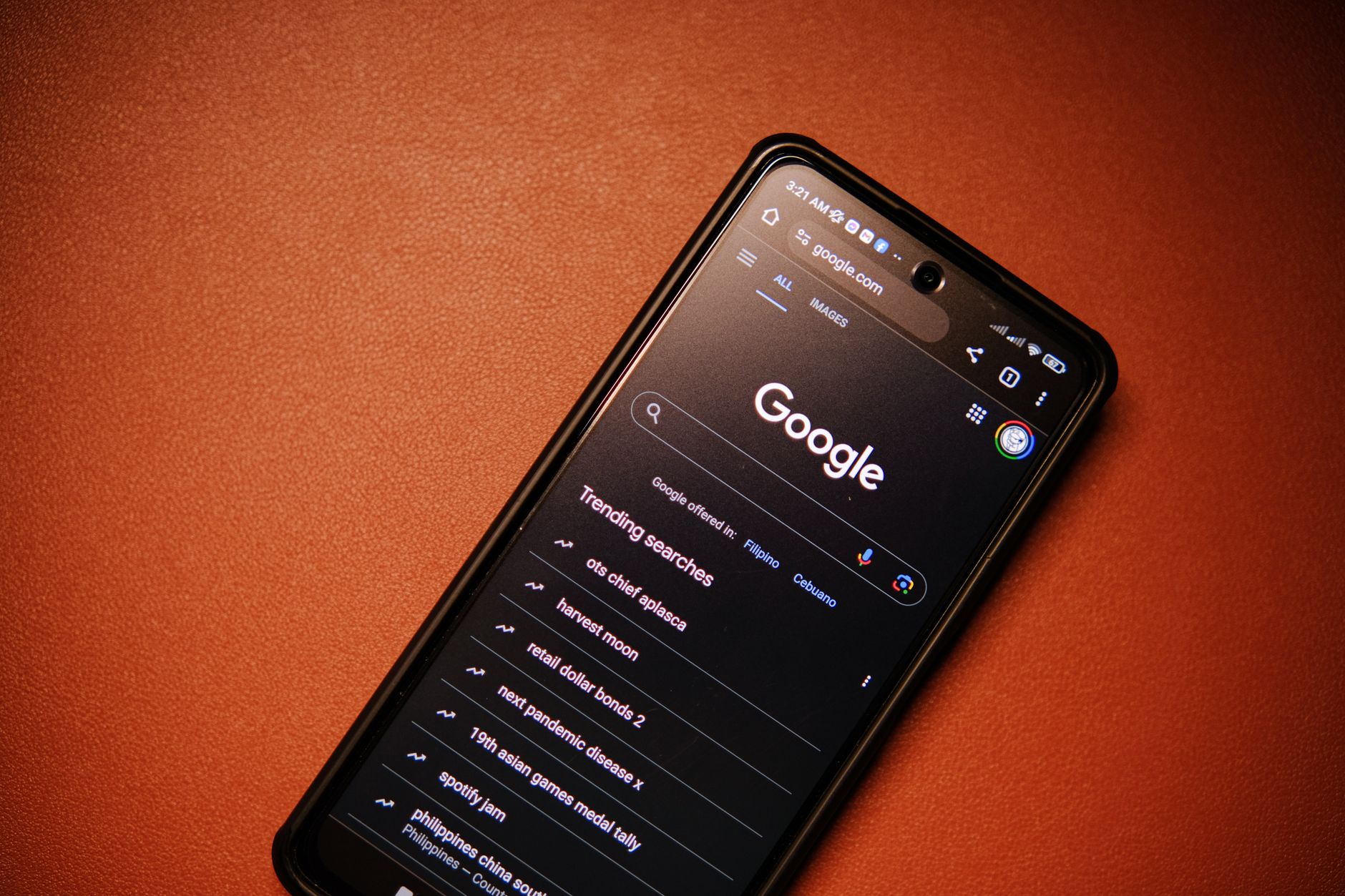
Google AI Mode is the part of Search where you type a question the way you'd say it out loud, get a written answer with links, and keep asking follow-ups. It began as a small opt-in test. By May 2026, Google said it had more than a billion monthly users. If people find your business through Google, that number is your reason to care. Below is what changed, what Google actually tells site owners, and what we'd do about it this quarter.
From Labs Experiment to Everyday Search
AI Mode started narrow. On March 5, 2025, Google announced it as an opt-in experiment in Search Labs, open at first only to Google One AI Premium subscribers (<a href="https://blog.google/products/search/ai-mode-search/">Google's announcement</a>). About eleven weeks later, at I/O 2025, Google started rolling it out to everyone in the U.S. right in Search, no Labs sign-up needed (<a href="https://blog.google/innovation-and-ai/products/google-io-2025-all-our-announcements/">I/O 2025 recap</a>).
The bigger change came on May 20, 2026. In its <a href="https://blog.google/innovation-and-ai/technology/ai/google-io-2026-all-our-announcements/">I/O 2026 recap</a>, Google said AI Mode had passed 1 billion monthly users and that it was folding AI Overviews and AI Mode into a single AI Search experience, live on desktop and mobile worldwide. A searcher can now land on a normal results page, read the AI Overview at the top, and ask a follow-up that carries straight into AI Mode. The same post switched AI Mode's default model to Gemini 3.5 Flash.
Plenty of 2025 how-to posts still walk you through tapping the Labs beaker and flipping an opt-in toggle. Ignore those steps. Type a question into Google, and the option to keep going in AI Mode sits right there on the results page.
How AI Mode Differs from AI Overviews and Regular Results
The three surfaces still behave differently, even under one roof:
- • Regular results: the familiar list of links, plus maps, images, and ads. The searcher does the comparing.
- • AI Overviews: a written summary at the top of a normal results page, with source links. It shows up only when Google decides a summary helps.
- • AI Mode: a back-and-forth answer where each follow-up builds on the last one, with links set beside the text.
One detail matters for anyone tracking visibility. Google's own documentation says AI Mode and AI Overviews "may use different models and techniques, so the set of responses and links they show will vary." Getting cited in one doesn't mean you're cited in the other. Check both.
How Google AI Mode Picks the Pages It Links To
Query Fan-Out: One Question Becomes Several Searches
Google's guide for site owners, <a href="https://developers.google.com/search/docs/appearance/ai-features">AI features and your website</a>, says both AI features may use a "query fan-out" technique, running several related searches across subtopics and data sources to build one answer.
Here's what that looks like in practice. Someone asks how to winterize a camper van they keep in Silverton. Behind that one question, Search might look up pipe insulation, battery care in the cold, and which antifreeze is safe for fresh-water lines. A page that answers just one of those sub-questions well can still earn a link, even if it would never rank for the whole question. That's good news for small sites with focused, practical pages.
What Google Says You Need (and What You Don't)
This is the part many "AI SEO" pitches leave out. Google says a page only has to be indexed and eligible to appear in Search with a snippet. In its words, there are "no additional requirements to appear in AI Overviews or AI Mode, nor other special optimizations necessary." The same page says there's no special schema.org markup you need to add.
That doesn't mean nothing matters. It means the things that help a page rank are the same things that make it worth citing: Google can crawl it, it's indexed, and it answers the question clearly. If someone sells you a secret AI Mode tag, ask them to show you where Google says that.
If You Want to Limit What Google Quotes
The controls are the ordinary ones: nosnippet, data-nosnippet, max-snippet, and noindex. Google warns that after a change, a recrawl can take "several days to several months" to catch up. Use these carefully. A page that blocks its snippet also gives up its shot at being a cited source.
What AI Mode Means for Your Traffic
Plan for fewer clicks on simple questions. When someone wants a quick definition or a store's hours, the answer often ends on Google's page, and no visit happens. That's not new, but AI answers stretch it to longer questions too.
Google's case for the other side is in the same developer guide. It says that on results pages with AI Overviews, clicks are "higher quality," meaning visitors are more likely to spend more time on the site. Google describes this as something it has seen and doesn't publish the numbers behind it. Treat it as a claim to test in your own analytics, not as a promise.
Where AI Mode Shows Up in Search Console
Google says traffic from its AI features is reported in the Search Console Performance report under the "Web" search type, mixed in with regular results. That makes AI Mode hard to see on its own.
A rough workaround: in the Performance report, add a query filter, choose Custom (regex), and enter ^([^ ]+ ){6,}[^ ]+$ to match searches of seven words or more. Conversational searches run long, so that slice works as a stand-in. Compare it over three to six months. It won't isolate AI Mode, but it tells you whether your question-style traffic is growing or shrinking.
What to Do About It This Quarter
Answer the Question in the First Two Sentences
Put a real customer question in a heading, then answer it right underneath. Details come after: the steps, the price range, the short list of options. This isn't a trick for robots. It's how a busy person reads on a phone, and a fan-out search that's hunting for one sub-answer will find yours faster.
Add Something Nobody Else Has
If five pages say the same thing, Google only needs one of them. The pages worth citing bring something extra: a price range taken from your own invoices, photos of the actual job, the local permit rule, the checklist your crew really uses. A Durango HVAC company that explains which furnace filters to swap in during wildfire smoke season has something a national chain's blog can't copy. We go deeper on this in our <a href="/blog/what-is-generative-engine-optimization-geo-and-why-it-matters-in-2026/">guide to generative engine optimization</a>.
Keep the Technical Basics Clean
- • Open the Page indexing report in Search Console and confirm your money pages are indexed. It lists what Google left out and why.
- • Fix broken internal links and long redirect chains so crawlers don't waste visits on dead ends.
- • Use structured data only where it truthfully describes the page, such as LocalBusiness on your contact page or Article on a blog post. It isn't required for AI features, but the Rich Results Test will catch typos before they cause trouble.
- • If you're a local business, keep your Google Business Profile hours, services, and photos current. Our <a href="/blog/google-business-profile-optimization-for-durango-businesses/">Google Business Profile guide</a> walks through it.
Check Your Own Citations by Hand
Once a month, take the ten questions your customers ask most and run them in AI Mode on a phone and on a laptop. Write down which sites get linked. When a competitor keeps showing up where you don't, open their page and see what it answers that yours skips. It takes about half an hour, and you'll learn more from it than from most dashboards.
The Short Version
- 1. AI Mode is part of everyday Google Search now. Google merged it with AI Overviews in May 2026.
- 2. There's no special tag or schema for it. Indexed, snippet-eligible, genuinely useful pages are what get linked.
- 3. Answer questions plainly and early, then add the detail only you can give.
- 4. Watch longer, question-style searches in Search Console, and test your top customer questions in AI Mode every month.
Want a second set of eyes on how your site shows up in AI search? See how we approach <a href="/services/seo/">SEO for local businesses</a>.


